 Mialera
Goals that hold
A cap for the day (“2h of Instagram”) or a window of the day (“nothing after 11pm”). Hit the limit and the app closes, and stays closed. The block screen has no unlock button.
Screen time app · iPhone and Android
Mialera is a screen time app for iPhone and Android that blocks the apps you choose. Give each app a daily limit, or set the hours when it won’t open. When the time is up, Bento closes the app, and it stays closed until the day turns over.
No in-app ads, and an account only if you want one. The free plan never expires.

How it works
On iPhone, Mialera uses Apple’s Screen Time to close the apps you pick. On Android, it covers those apps with a pause screen. You read a short line from Bento and get on with your day.
A cap for the day (“2h of Instagram”) or a window of the day (“nothing after 11pm”). Hit the limit and the app closes, and stays closed. The block screen has no unlock button.
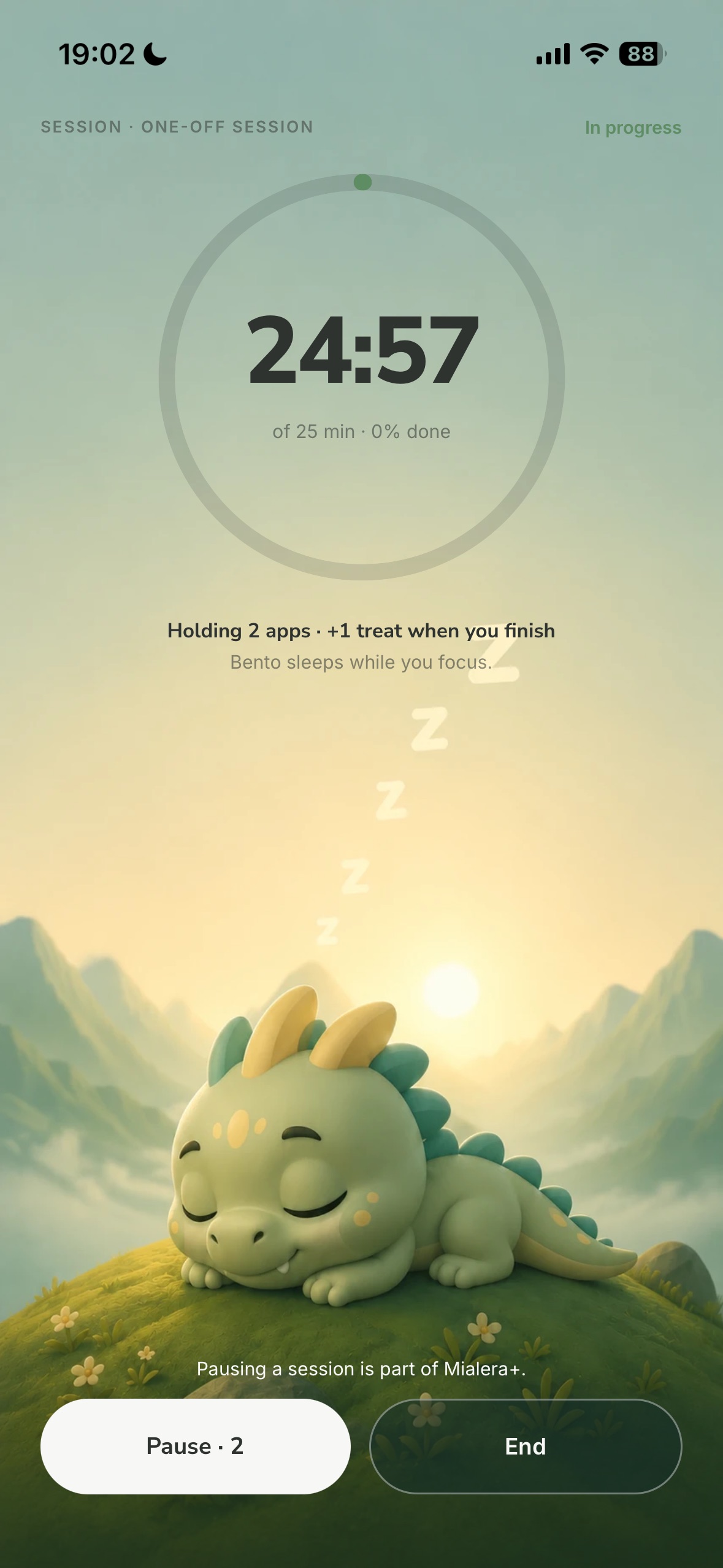
Pick the length and the apps that stay out. Bento sleeps while you work, and at the end you see how much time you gained.
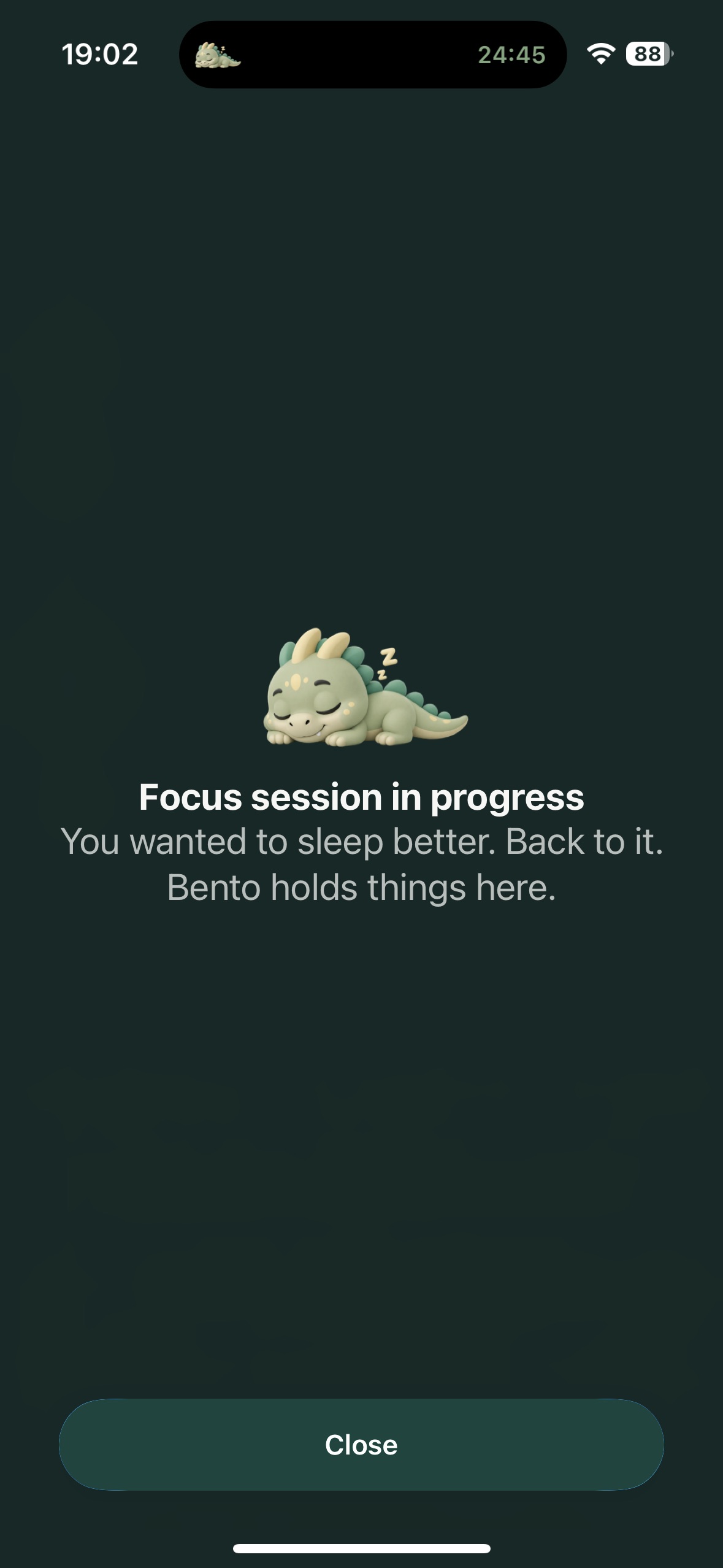
Mark a session or a goal as sealed and it runs to the end. You cannot pause it or delete it halfway. Seal it when you know the urge to quit is going to come.
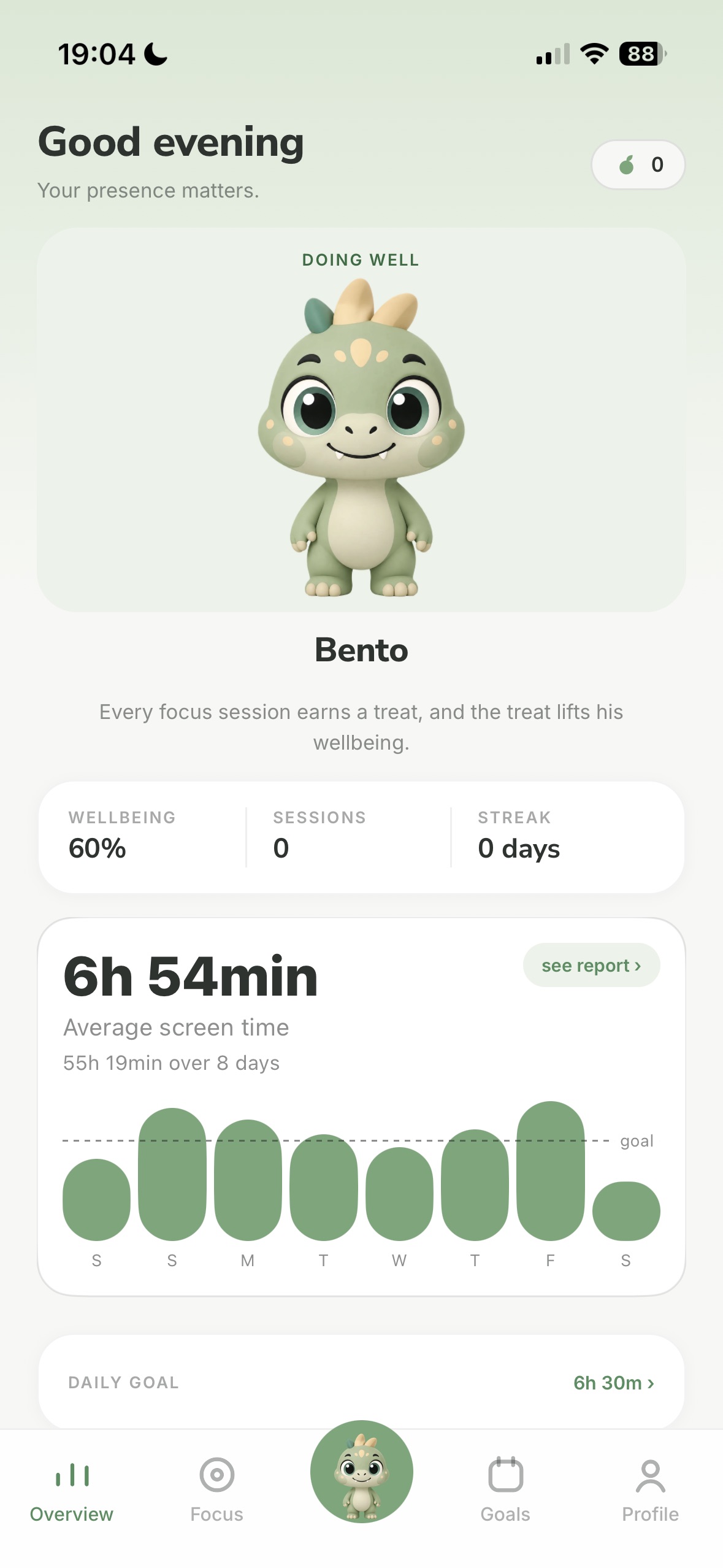
A little dragon who follows your days. He does better when you are doing well, and he is still there on the days you are not.
Privacy
Your screen time, your goals, your history and the apps you limit stay on the device. Mialera works with no account and no ads; the account is optional, to take your progress to another phone. The little that leaves it, and why, is explained in the policy.
A look inside
Plans
It never expires and never asks for a card. Subscribe to Mialera+ when you want more goals and a firmer hold.
$0
No end date
$49.99/year
$4.17 a month · or $6.99 on the monthly plan
Prices in US dollars, from the US App Store; your store shows the price for your country. Your phone’s store (App Store or Google Play) renews the yearly plan until you cancel, and you cancel there. The store handles the billing. No money passes through a server of ours.
Guides
Answers to the most common questions about screen time on iPhone.
Three ways, step by step.
Limits per app and per time of day.
Why it gives way and how to make it stick.
A wind-down time that Bento keeps for you.
Questions
Yes. The free plan never expires, never asks for a card and already blocks: 1 time goal, 1 schedule goal, focus sessions, reports and all of Bento. Mialera+ costs $49.99 a year or $6.99 a month in the US and unlocks more goals and sealed mode.
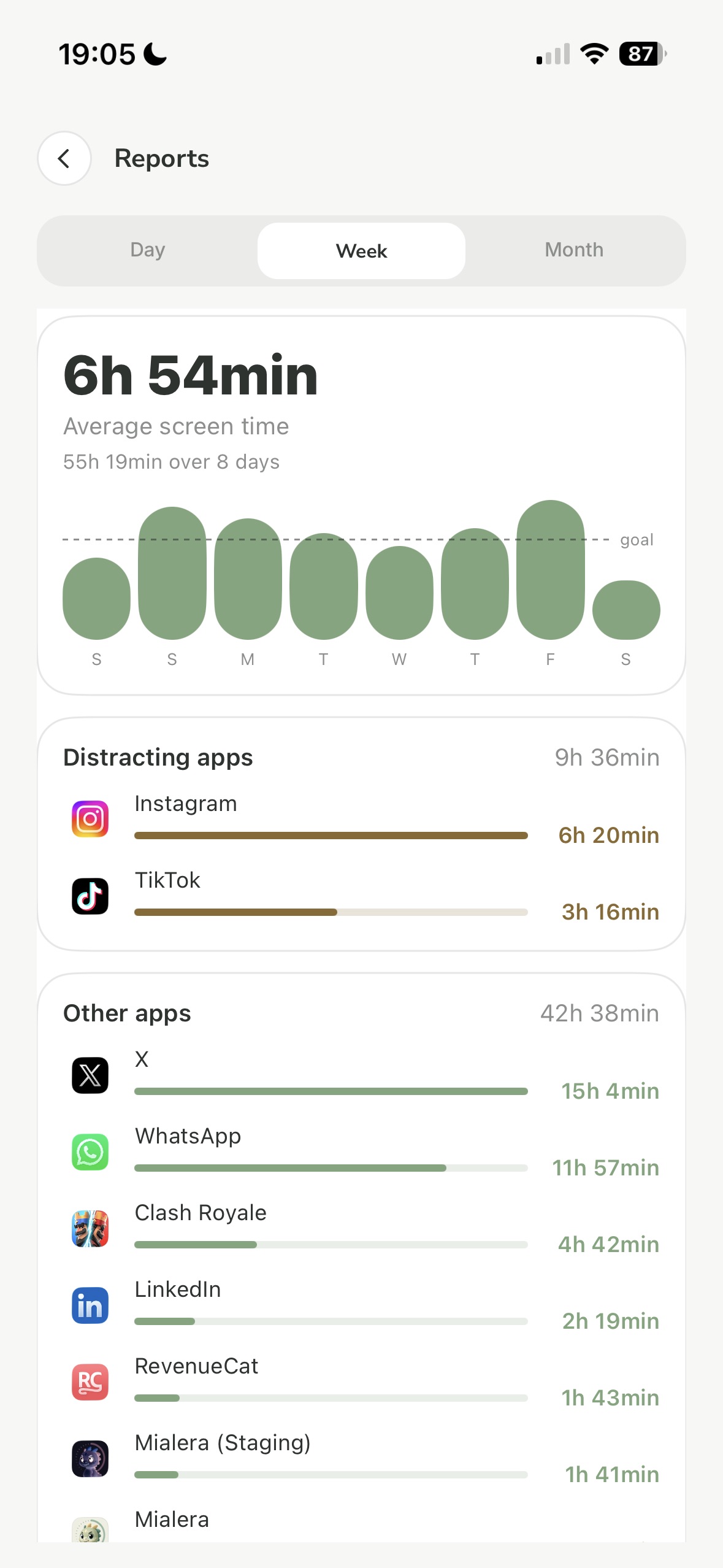
For iOS 26, Apple’s guide says a Screen Time limit can be ignored by default once it is reached, and making it hold takes a passcode you know yourself (here is why). Mialera uses the same Apple API, but its block screen has no unlock button. It also brings time and schedule goals, focus sessions, a weekly report and Bento, who follows your days.
On iPhone, it is a system lock: Mialera uses Apple’s Screen Time, the same one behind parental controls, and a blocked app does not open until you release the goal or the day turns over. On Android, the system does not let one app truly block another: Mialera covers the app with a pause screen, and that relies on three permissions you can turn off in Settings whenever you want.
No. You open the app, pick your goals and that is it, no sign-up and no password, and nothing of yours is kept on a server of ours. If you want to take your progress and Mialera+ to another phone, you can create an optional account at any time.
Yes. Get it on Google Play. Blocking works differently on Android than on iPhone (see the question above), and everything else is the same: goals, focus sessions, reports and Bento.
The block screen has no unlock button, and that is on purpose: a time goal holds until the day turns over. Inside the app you can raise the cap or pause the goal. If it is sealed, not even that, and then it runs to the end.
On iPhone, in Settings → your name → Subscriptions. On Android, in the Play Store → your photo → Payments & subscriptions → Subscriptions. You cancel through the store, and Mialera+ keeps working until the end of the period you already paid for. After that the app goes back to the free plan and deletes nothing.
We delete nothing. Whatever goes past the free plan’s limit is frozen, visible in the list and switched off, and comes back whole if you subscribe again.

Start free. No card, no sign-up.